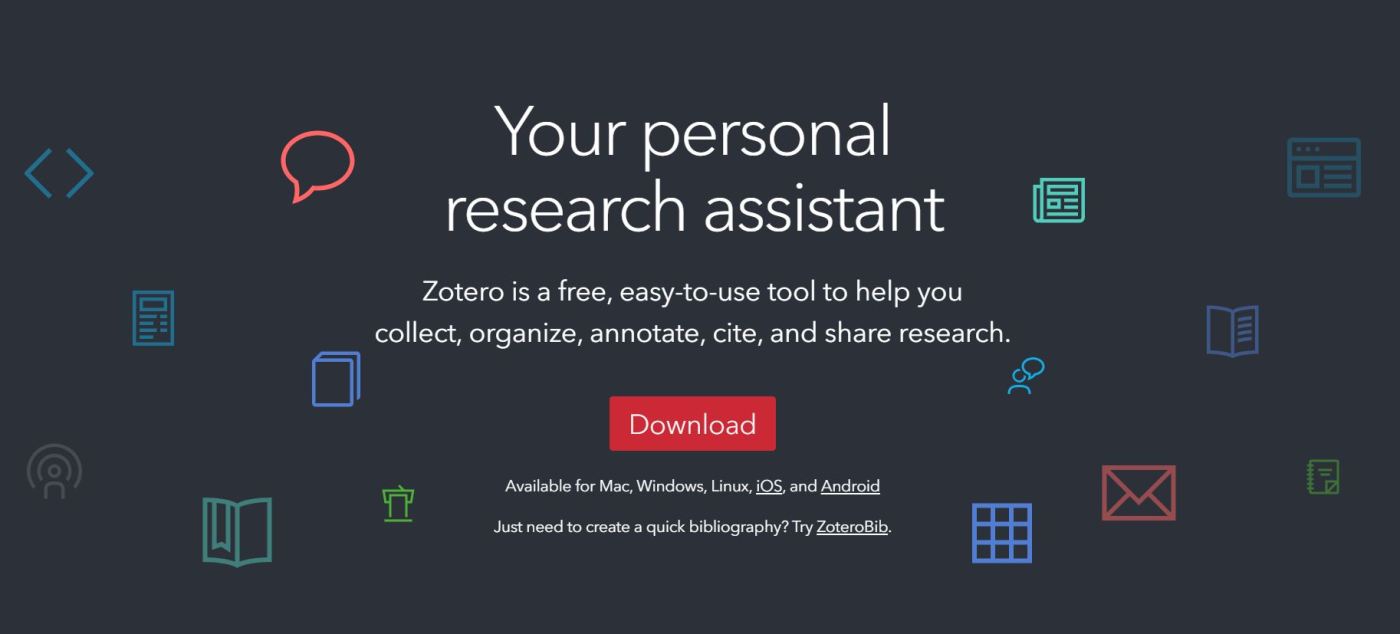
At the beginning of this summer (Y2025), I learned about a tool that I wish I had discovered years ago. I hadn’t even heard of Zotero until my research collaborator, Computational Sociolinguist Dr. Sidney Wong, introduced it to me while we were working on our computational linguistics project analyzing Twitch data.
After exploring it and learning to use it for my current research, I now realize how effective and essential Zotero is for managing academic work. Honestly, I wish I could have used it for all my previous research projects.
What is Zotero?
Zotero is a free, easy-to-use tool that helps researchers at any level:
- Collect sources such as journal articles, books, web pages, and more
- Organize them into collections and tag them for easy retrieval
- Annotate PDFs directly within the app with highlights and notes
- Cite sources seamlessly in any citation style while writing papers
- Share references and collections with collaborators
It’s like having a personal research assistant that keeps all your readings, citations, and notes organized in one place.
Why I Recommend Zotero for High School Students
As high school students, we often juggle multiple classes, club projects, competitions, and research interests. Zotero makes it easy to:
- Manage research projects efficiently, especially when writing papers that require formal citations
- Keep track of readings and annotate PDFs, so you don’t lose key insights
- Collaborate with teammates or research mentors by sharing folders and annotations
- Avoid citation mistakes, as it automatically generates references in APA, MLA, Chicago, and many other styles
My Experience Using Zotero
When Dr. Wong first recommended Zotero to me, I was a bit hesitant because I thought, “Do I really need another app?” But after installing it and importing my Twitch-related research papers, I quickly saw its value. Now, I can:
- Search across all my papers by keyword or tag
- Keep notes attached to specific papers so I never lose insights
- Instantly generate BibTeX entries for LaTeX documents or formatted citations for my blog posts and papers
I wish I had known about Zotero earlier, especially during my survey sentiment analysis project and my work preparing research paper submissions. It would have saved me so much time managing citations and keeping literature organized.
Zotero vs. Other Reference Managers: Pros and Cons
Here is a quick comparison of Zotero vs. similar tools like Mendeley and EndNote based on my research and initial use:
Pros of Zotero
- ✅ Completely free and open source with no premium restrictions on core features
- ✅ Easy to use with a clean interface suitable for beginners
- ✅ Browser integration for one-click saving of articles and webpages
- ✅ Excellent plugin support for Word, LibreOffice, and Google Docs
- ✅ Strong community support and development
- ✅ Works well for group projects with shared libraries
Cons of Zotero
- ❌ Limited built-in cloud storage for PDFs (300 MB free; need WebDAV or paid plan for more)
- ❌ Not as widely used in certain STEM fields compared to Mendeley or EndNote
- ❌ Slightly fewer advanced citation style editing features than EndNote
Compared to Mendeley
- Mendeley offers 2 GB free storage and a slightly more modern PDF viewer, but it is owned by Elsevier and some users dislike its closed ecosystem.
- Zotero, being open-source, is often preferred for transparency and community-driven development.
Compared to EndNote
- EndNote is powerful and widely used in academia but is expensive (>$100 license), making it inaccessible for many high school students.
- Zotero offers most of the core features for free with a simpler setup.
Final Thoughts
If you’re a high school student interested in research, I highly recommend checking out Zotero. It’s free, easy to set up, and can make your academic life so much more organized and efficient.
You can explore and download it here. Let me know if you want a future blog post on how I set up my Zotero collections and notes for research projects.
— Andrew
5,279 hits
 CompLing Insights
Leave a comment